Privacy & control

You decide what's kept.

Sidecar is local-first: it has no server of its own. Your conversation goes only to the AI you already pay for, and everything it remembers lives on your Mac. Here's the honest breakdown.

Your own subscription

Answers come from Claude or Codex through your sign-in — no extra account, no separate bill, no API key.

Nothing to the developer

No server of ours sits in the middle. No analytics, no tracking, no ads. The developer never sees your chats or pages.

On your computer

Conversations and settings are stored on your Mac, and searching them happens there too — your search words are never sent anywhere.

The honest part

What actually leaves your Mac.

Always, no setting: the page text you ask about and your words go to the assistant you chose. That's how it answers.
Your question and its context — with any page text, file, or transcript you included — go from the extension to the companion app over your own computer (127.0.0.1, which never leaves your machine), and from there to the assistant you chose: Claude Code → Anthropic, or Codex → OpenAI, on your own subscription, the same path those tools use themselves.
A web search — when a question needs current information, your assistant runs one, and (only if you turn on "open live web pages") opens pages during it. That goes through Anthropic or OpenAI on your subscription, not any server of ours.
The panel's fonts load from Google Fonts — the same web-font fetch any site using Google Fonts makes, with no conversation content. Turning on the natural read-aloud voice or video listening downloads those components once, from a fixed source checked against a known fingerprint — again, no conversation content. A couple of optional, off-by-default features add a few more cases, listed below. Everything else — your saved chats, searching them, reading aloud, and the highlight button — stays on your computer.

Your switches

Everything optional is off by default.

Each setting below starts off, and each is explained next to its switch in Settings.

SettingWhat it doesDoes anything new leave your Mac?
Highlight buttonShows the "Ask in Sidecar" button on selected text.No — not until you click it
Save the picturesKeeps captured/attached images in the saved conversation.No — on your Mac
Remember what I listen toSaves the video transcripts you captured.No — on your Mac
Skip the page for general questionsDecides, on your computer, when a question doesn't need the page.No — decided locally
Let the assistant look at the pageLets it grab a screenshot on its own when a question seems visual.The screenshot, to your assistant
Show pictures from the webFinds pictures of what you asked about; on a fresh ask they load right away (a reopened chat waits for "Show previews").Yes — opens web pages, and each preview loads from its website
Open live web pagesLets a search fetch pages for more detail.Yes — via your subscription
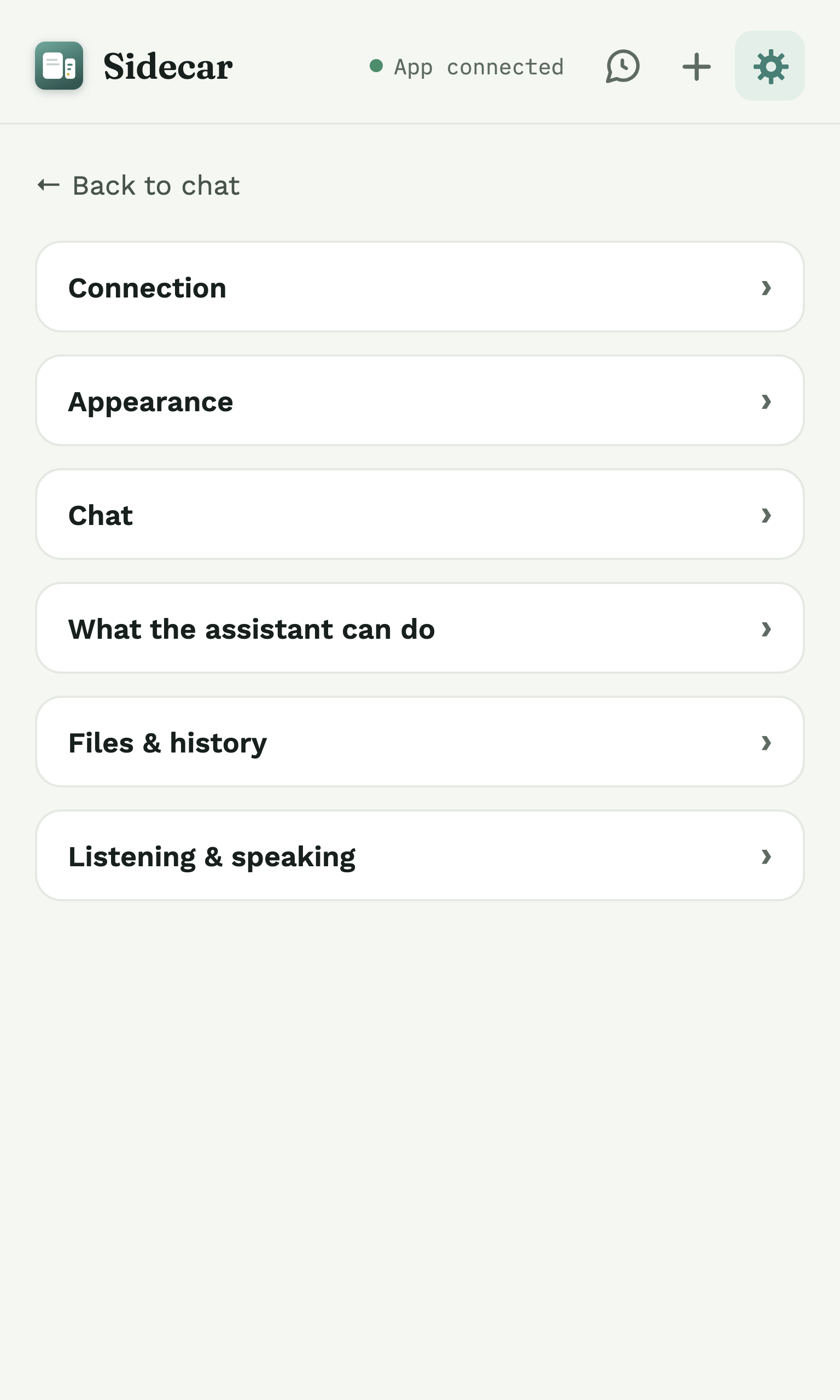
Sidecar's Settings, where each optional feature lives under its own section.

What's kept

Saved on your Mac, controlled by you.

Never

What Sidecar does not do.

Questions about privacy: panchaoai@gmail.com. This is a plain-language summary; wording is reviewed against Sidecar 0.1.5.